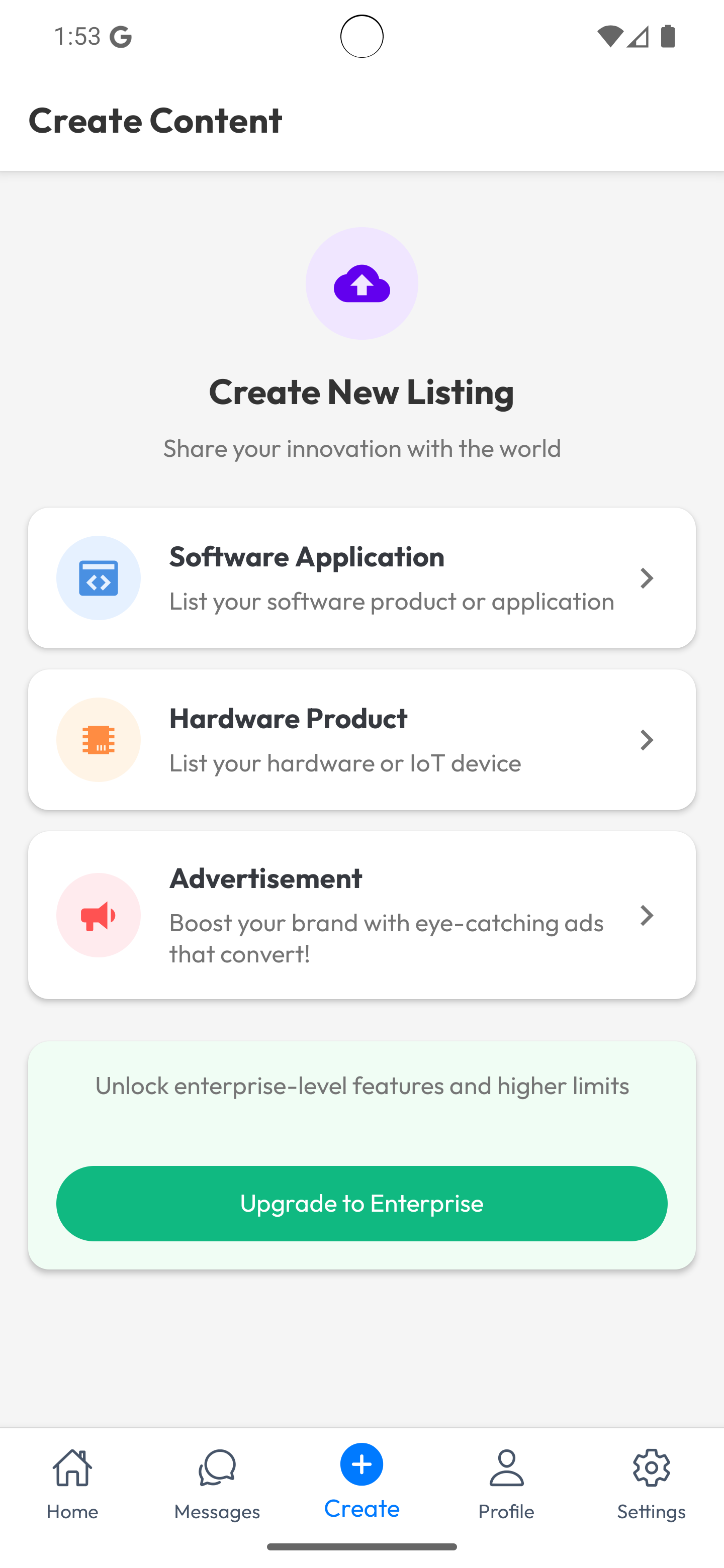
Add New Product or Advertisement
On this screen, the seller can choose one of three product types: Software, Hardware, or Advertisement.
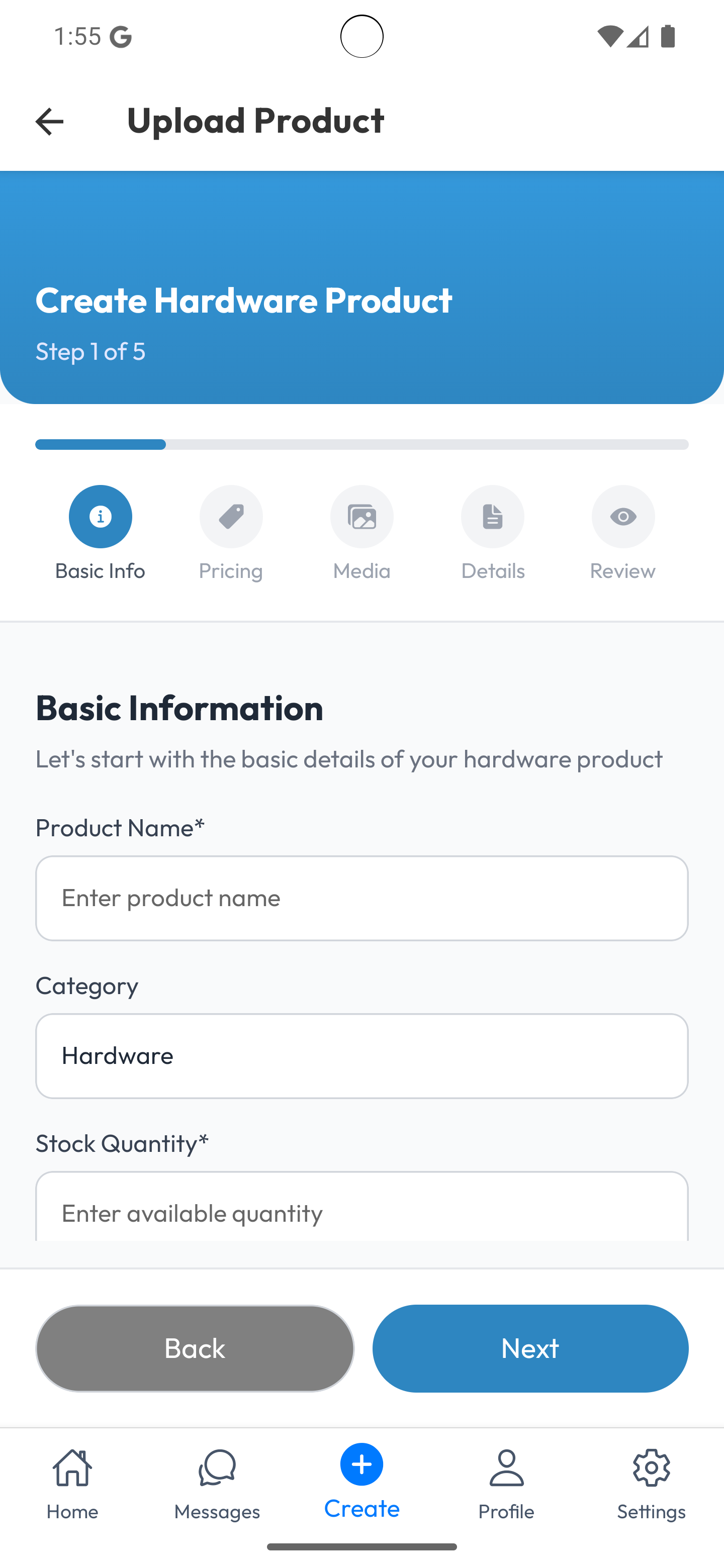
Hardware
To create a hardware product, the seller enters the product name, confirms or selects the Hardware category, specifies the available quantity, and uploads relevant media such as images or videos.
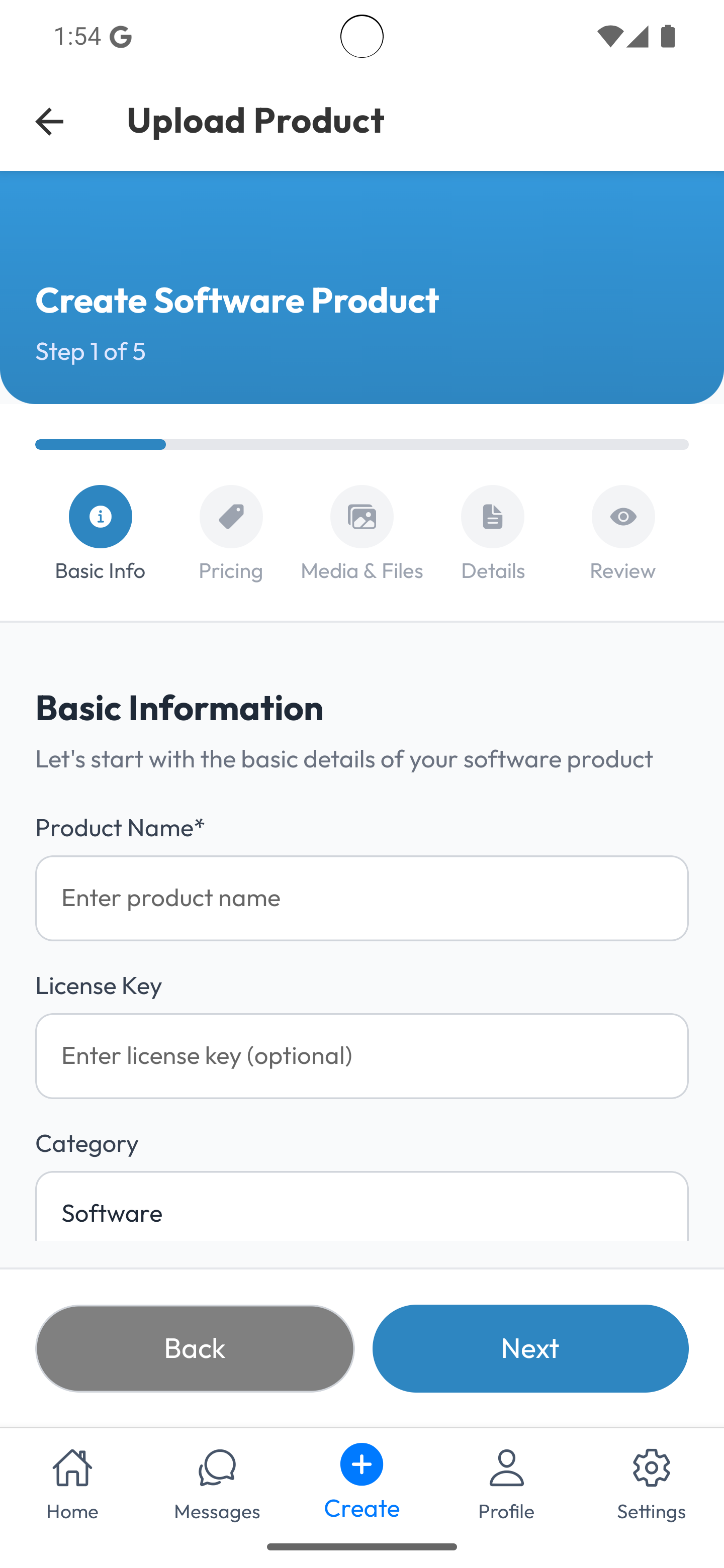
Software
To create a software product, the seller enters the product name, confirms or selects the Software category, provides the version or license information, specifies the available quantity or seats if applicable, and uploads relevant media such as screenshots, demo videos, or installation files.
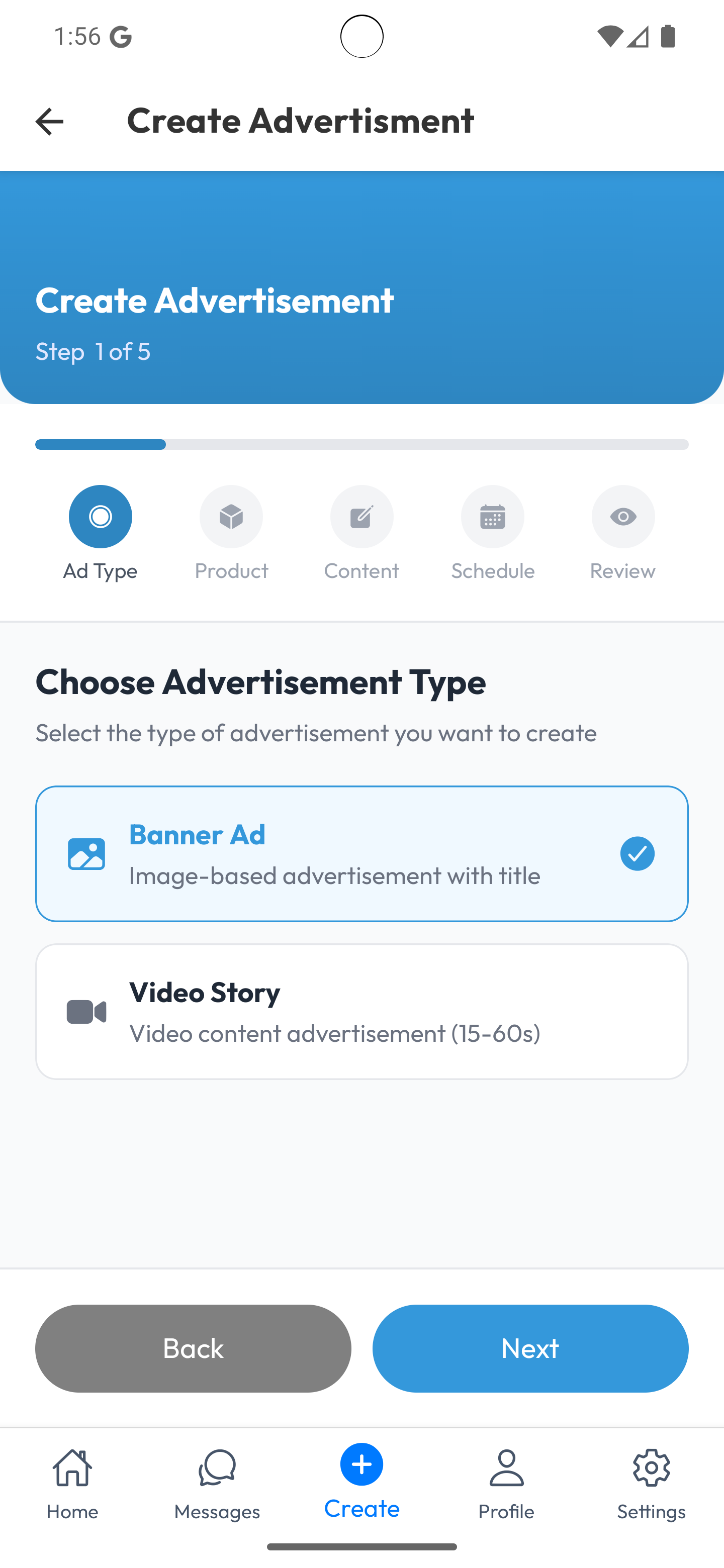
Advertisement
To create an advertisement listing, the seller selects the ad type, chooses the associated product, enters the content, sets the schedule for the ad or service, and then reviews all details before saving or submitting the listing.