Creating an Account
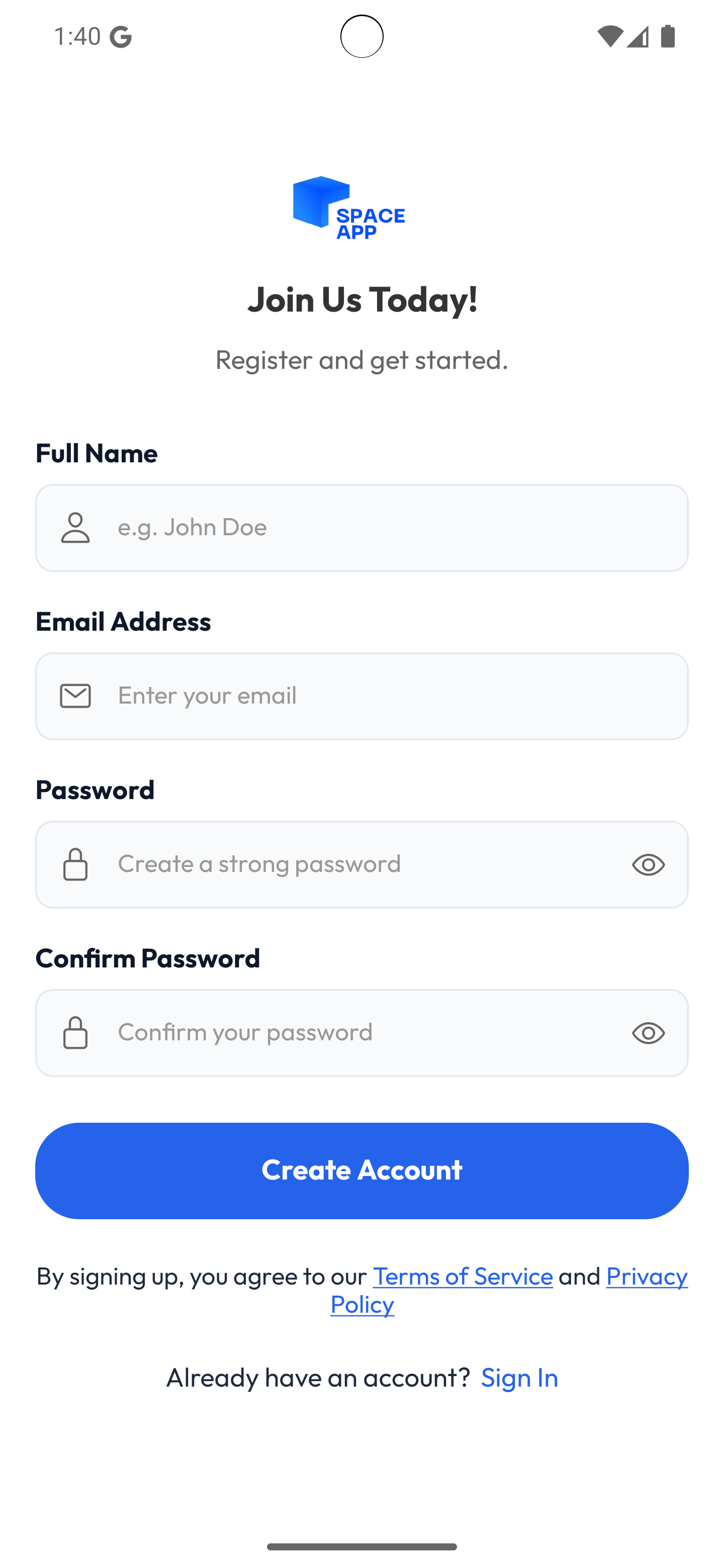
To start using SPACE APP, follow these steps to create your creator account:
-
Open the app.
-
Navigate to the "Get Started as creator" page.

-
Fill in the required information:
- Name: Your full name.
- Email: A valid email address.
- Password: Choose a secure password (minimum 8 characters recommended).
-
Click the "Create Account" button.